> ## Documentation Index
> Fetch the complete documentation index at: https://docs.mileapp.dev/llms.txt
> Use this file to discover all available pages before exploring further.
# Viewing and Editing Automation
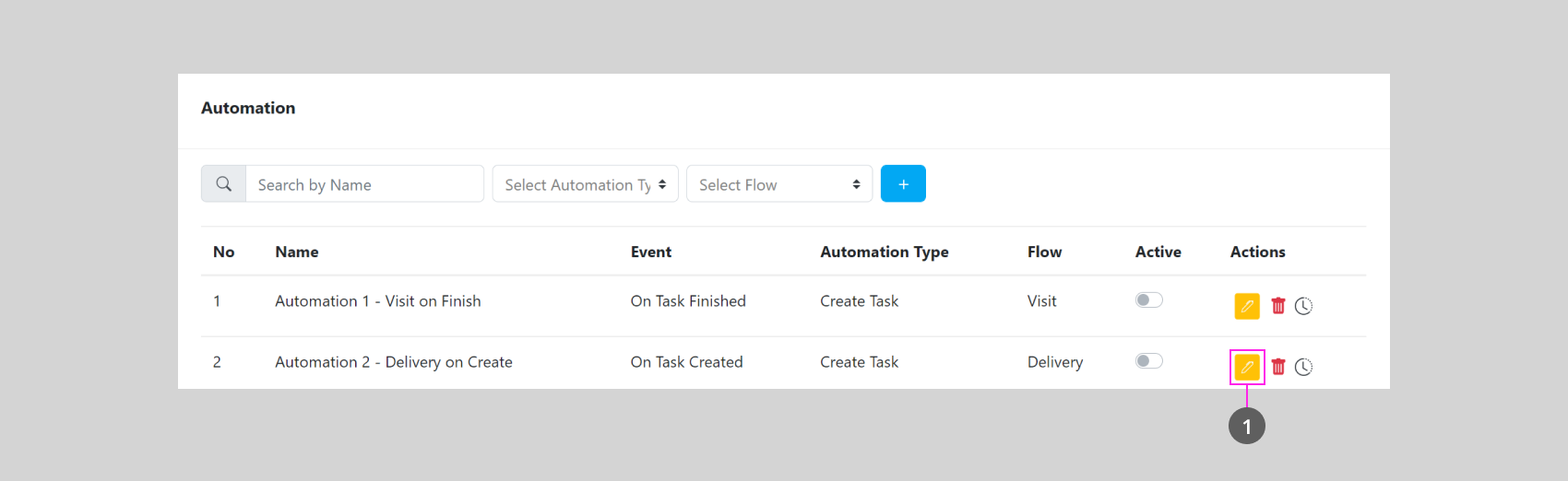
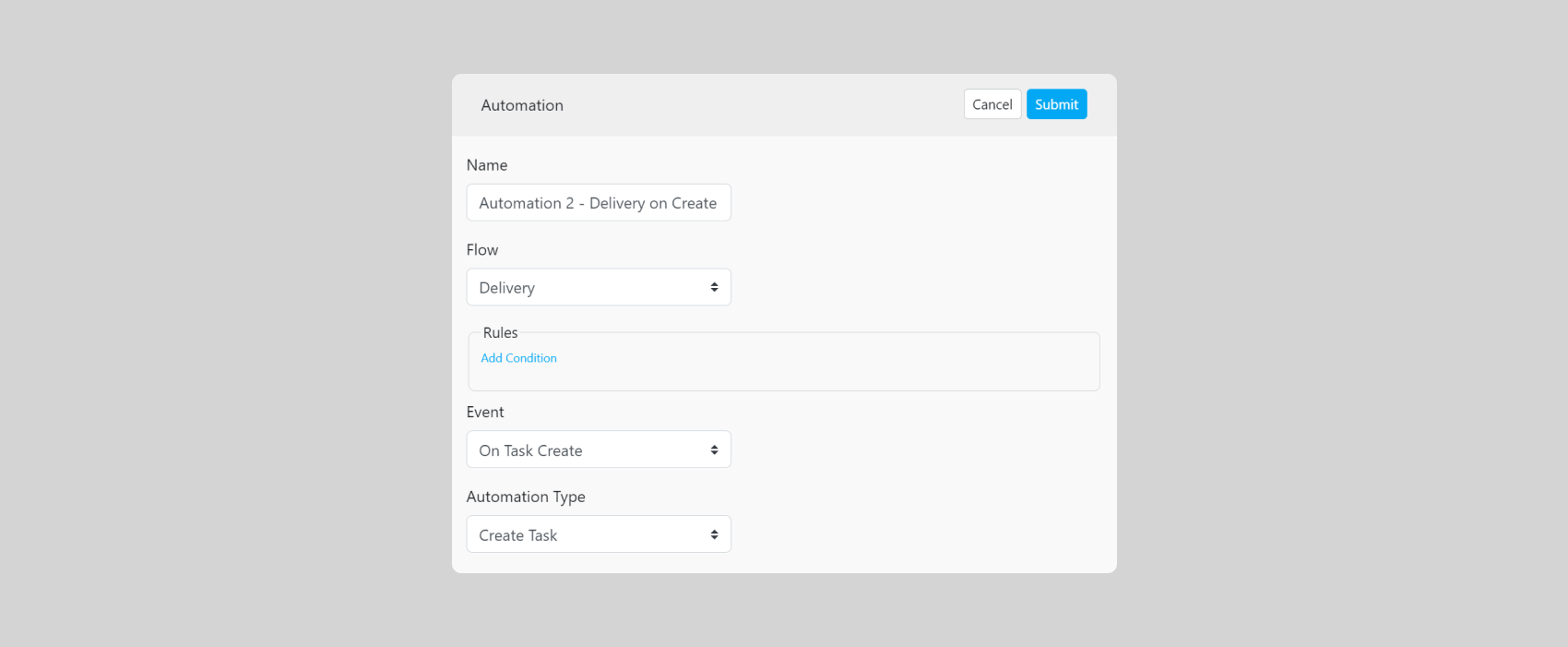
Click this Button (1) to view or edit an Automation
You could change most of the Detail inside an Automation, but you can't change the Automation Type, if you wish to create an Automation with a Different Automation Type, please create a new Automation instead.