> ## Documentation Index
> Fetch the complete documentation index at: https://docs.mileapp.dev/llms.txt
> Use this file to discover all available pages before exploring further.
# AI Insight
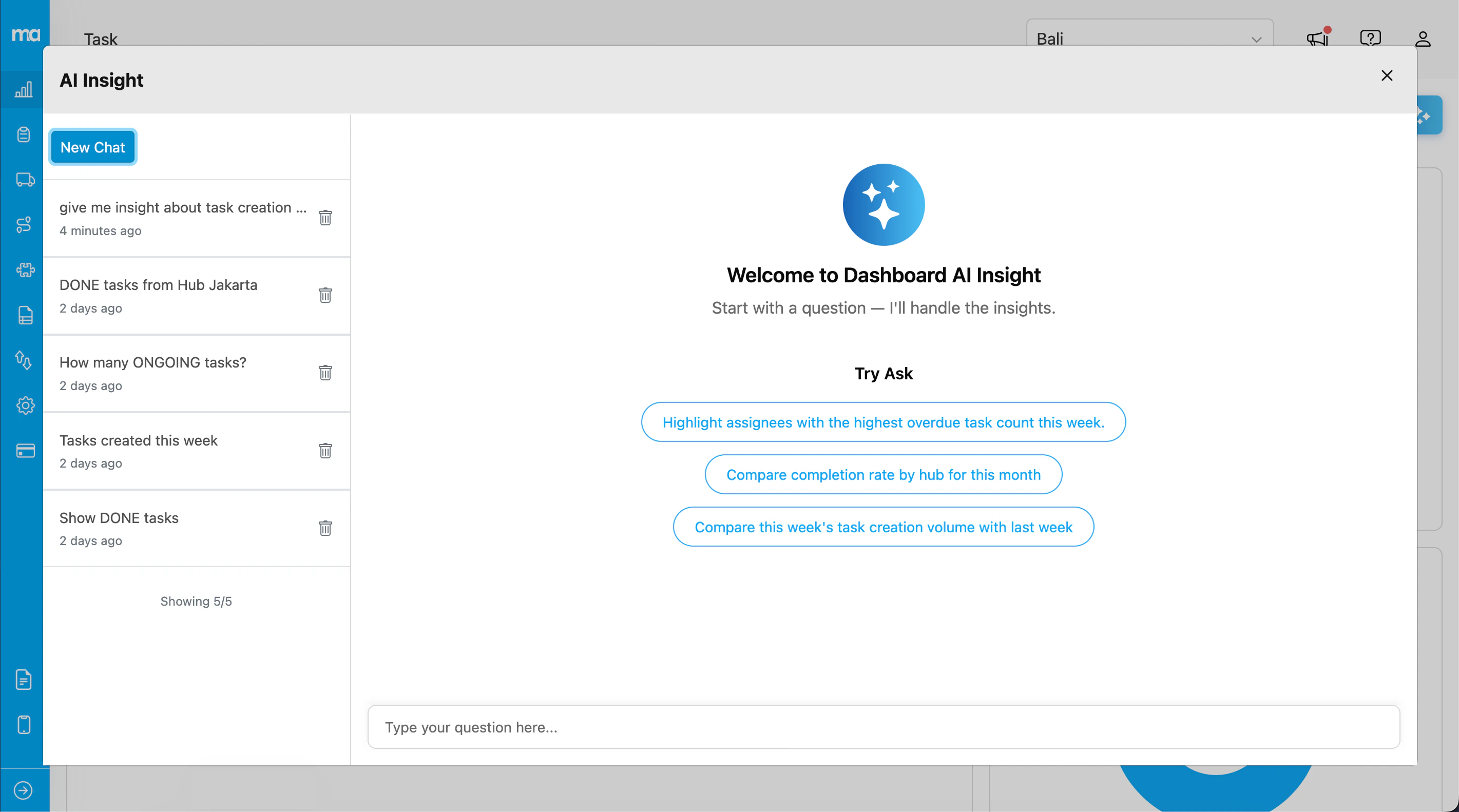
AI Insight is an AI-powered chat interface that helps you analyze dashboard data through natural language questions. Ask about task metrics, performance trends, and get instant insights from your data.
## How to Access
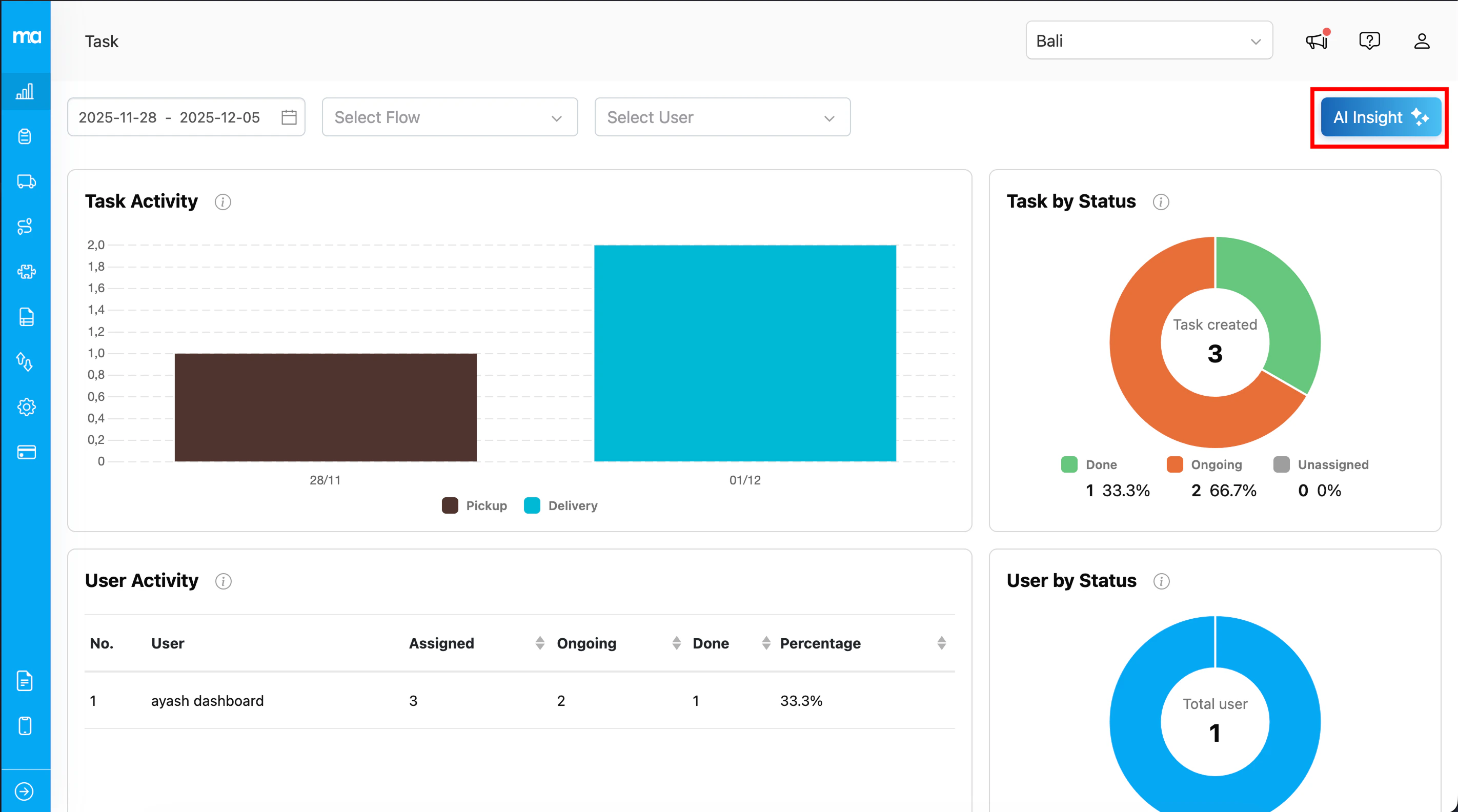
1. Navigate to the **Dashboard** menu
2. Click the **AI Insight** button
3. The AI Insight modal will open
## Asking Questions
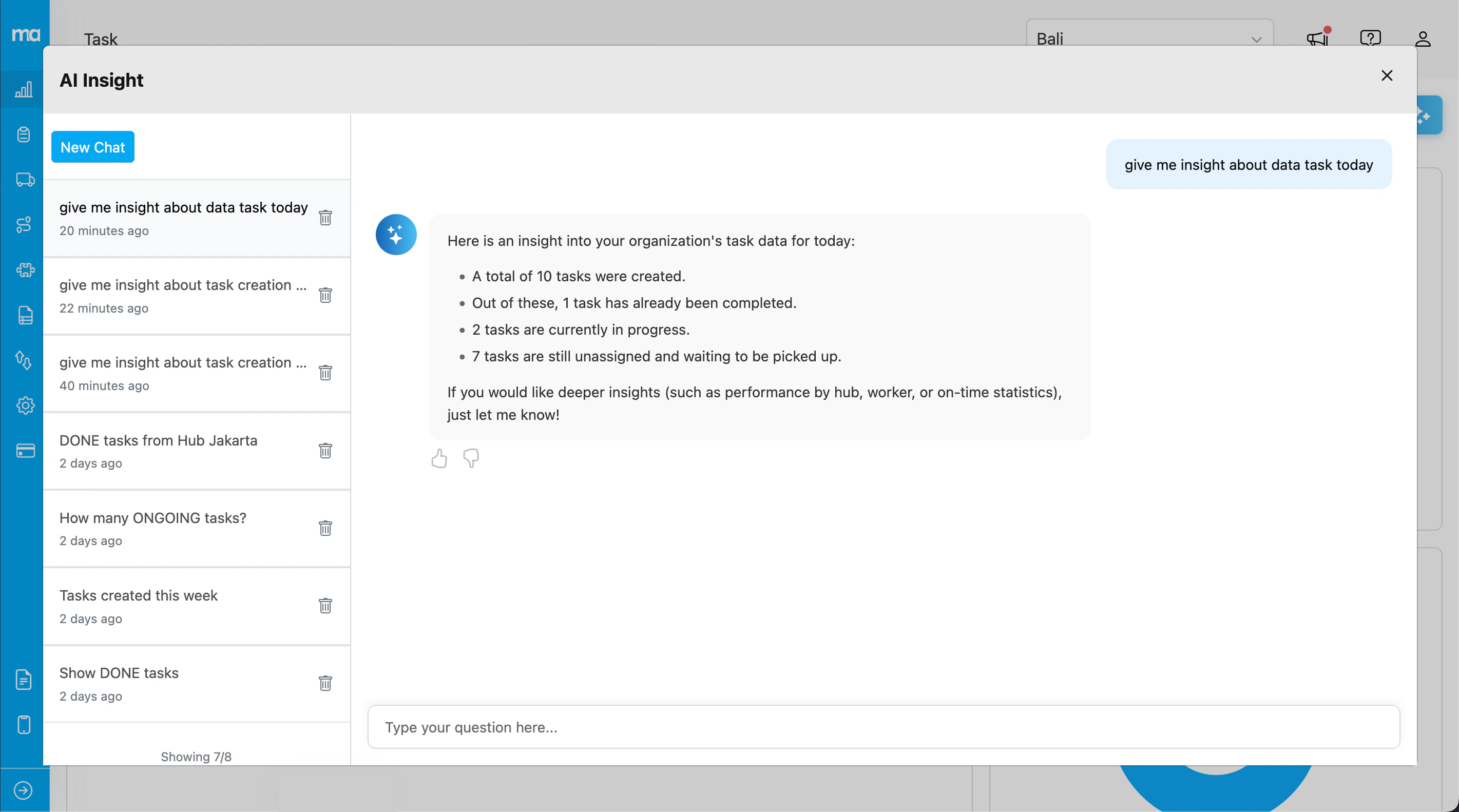
Type your question in the input field and press **Enter** or click the send button. The AI will analyze your dashboard data and provide insights.
### Suggested Questions
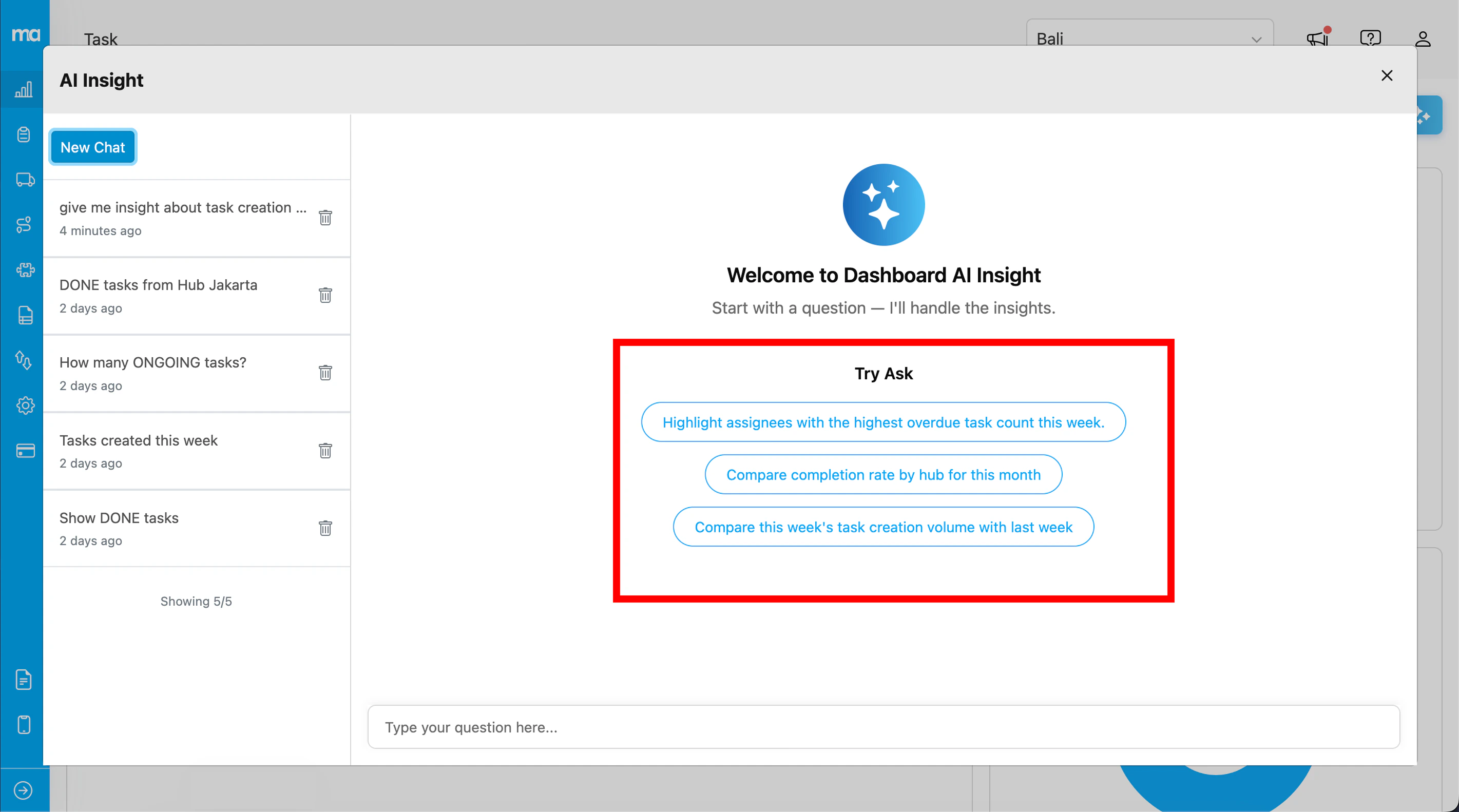
When you start a new chat, you'll see suggested questions to help you get started:
* "Highlight assignees with the highest overdue task count this week"
* "Compare completion rate by hub for this month"
* "Compare this week's task creation volume with last week"
Click any suggestion to send it immediately.
## Conversation History
Your conversations are saved automatically, allowing you to revisit previous insights.
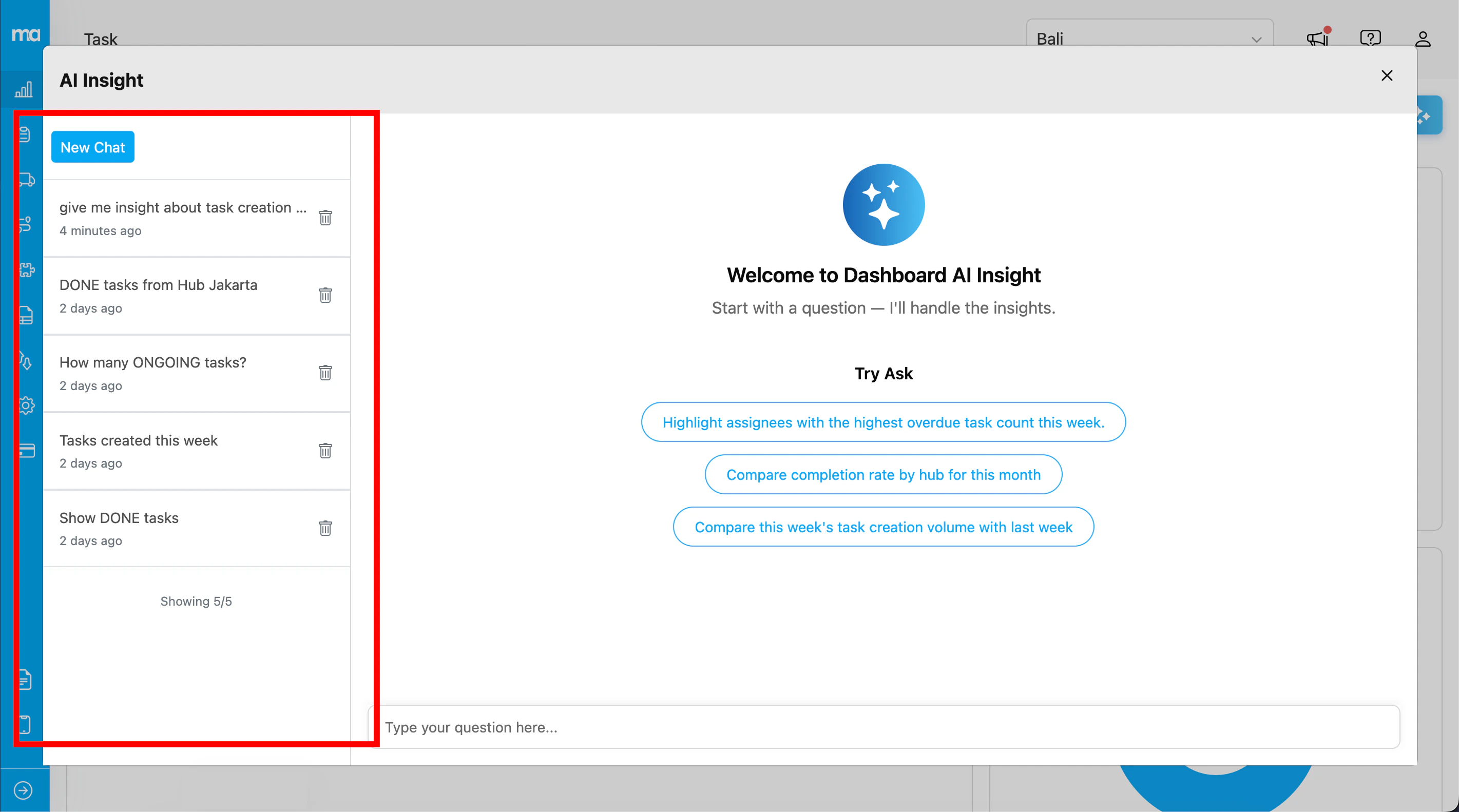
* View past conversations in the left sidebar
* Click a conversation to load its messages
* Use **Load More** to see older conversations
* The count indicator shows your progress (e.g., "Showing 10/25")
## Managing Conversations
### Start New Chat
Click the **New Chat** button to start a fresh conversation. This clears the current chat and shows the suggested questions.
### Delete Conversation
1. Hover over a conversation in the sidebar
2. Click the trash icon
3. Confirm deletion in the dialog
## Providing Feedback
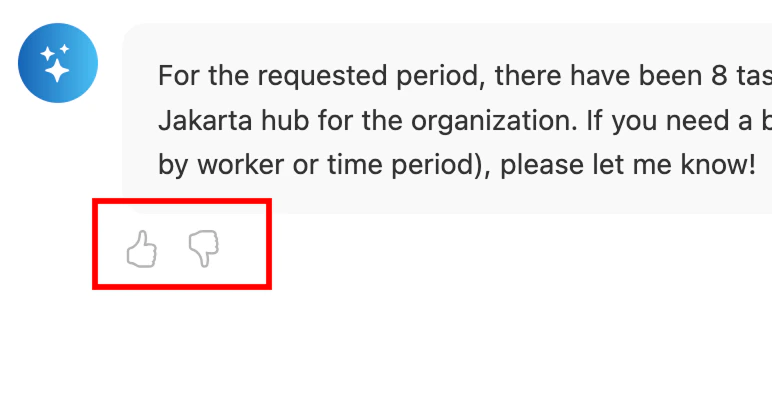
Help improve AI responses by providing feedback on each answer:
* **Thumbs up** - The response was helpful and accurate
* **Thumbs down** - The response needs improvement
Your feedback helps us enhance the AI's understanding and response quality.
## Tips for Best Results
* **Be specific with time ranges** - Use phrases like "this week", "this month", or "last 7 days"
* **Ask about metrics and trends** - Questions about completion rates, task counts, and comparisons work well
* **Use clear, concise language** - Simple questions often yield better results
* **Try the suggested questions** - They're designed to showcase the AI's capabilities
* **Ask follow-up questions** - Continue the conversation to dive deeper into insights