> ## Documentation Index
> Fetch the complete documentation index at: https://docs.mileapp.dev/llms.txt
> Use this file to discover all available pages before exploring further.
# Filtering and Editing Vehicle
## Filtering Vehicle
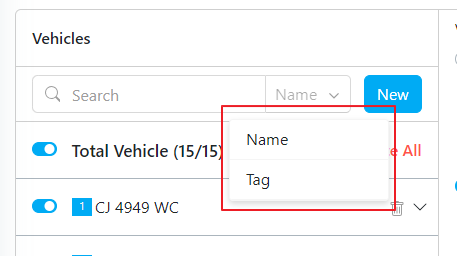
In case you need specific Vehicle data, you can filter by vehicle name or tag.
Filtering Vehicle
## Editing Vehicle
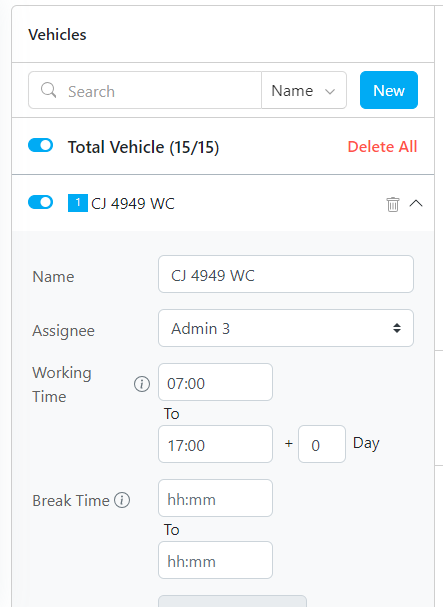
When you need to see the detail vehicle or editing some fields, simply click the arrow button to expand.
Required permission:
* View Vehicle
* Edit Vehicle
Vehicle Detail