> ## Documentation Index
> Fetch the complete documentation index at: https://docs.mileapp.dev/llms.txt
> Use this file to discover all available pages before exploring further.
# Introduction
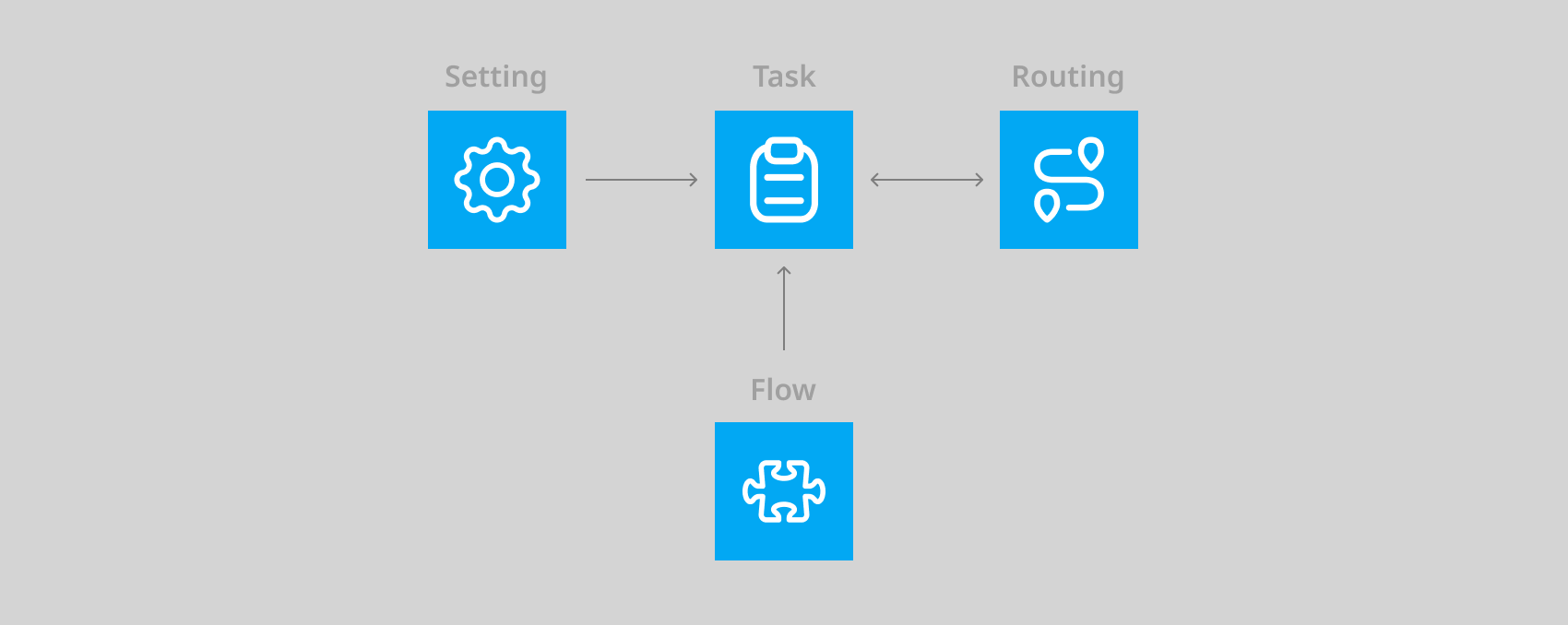
The Task is the core of MileApp, most of MileApp features are revolved around or started from a Task.
\* Task enables you to manage your field user, for example, you could assign a Task to a Field user, after it was assigned they will see it on their mobile apps & could work on it through the apps.
\* Another example is, if you create a Task that is suitable for Route Optimization, you could optimize the visit route and your field user could work on it through their mobile apps.
\* Using a more advanced Task feature, you could create a task that is interconnected by using the Automation or Schedule feature.
\* You could set up a custom Flow for a Task based on your needs. The flow would also affect the mobile apps, so you could specify what your Field user could do when they work on the Task.
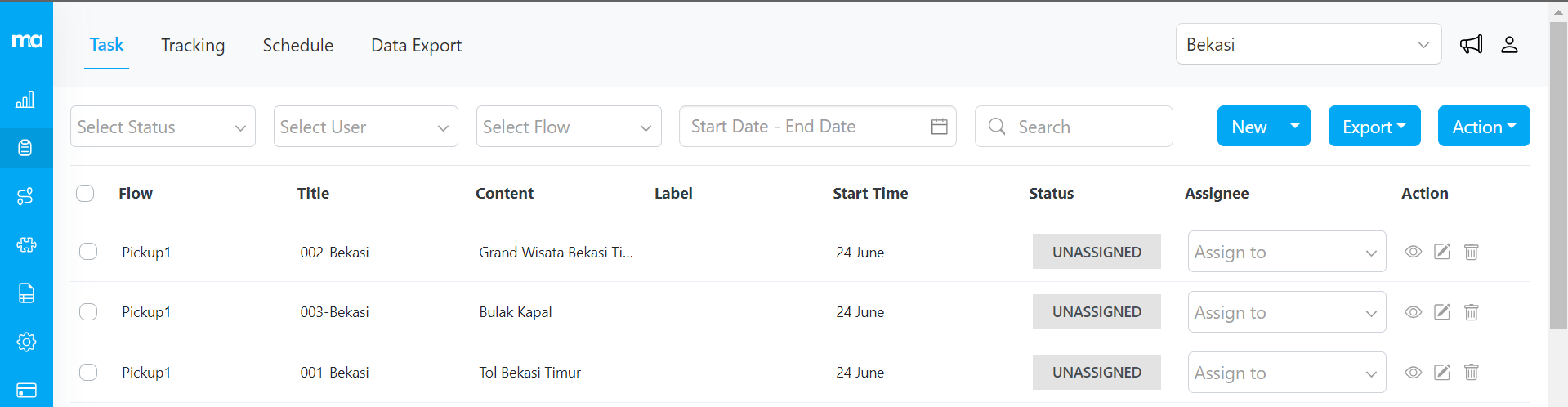
[**Task Menu**](https://web.mile.app/tasks/task) is a central place for you to manage tasks, add a new task, import bulk tasks, assign tasks to a field user, check the status of each task, view details of each task, and export task reports. You could also monitor ongoing tasks and create a scheduled task from this menu.
## Data Retention
Task data and task history in MileApp are retained for 1 year from the creation date. After this period, data is automatically deleted. Make sure to export important task data regularly to maintain records beyond the retention period.
Learn more about [Data Retention Policy](/pages/register-and-verification/data-retention-policy).