

Verification Process
After registering using a Google account or manual sign-up, you’ll need to verify your organization information. The verification process consists of three steps that enable you to provide your personal and organization details.Step 1: General Information
The first step of verification is confirming your general information for your user account. You can edit your user information later in the User Settings page and Profile menu.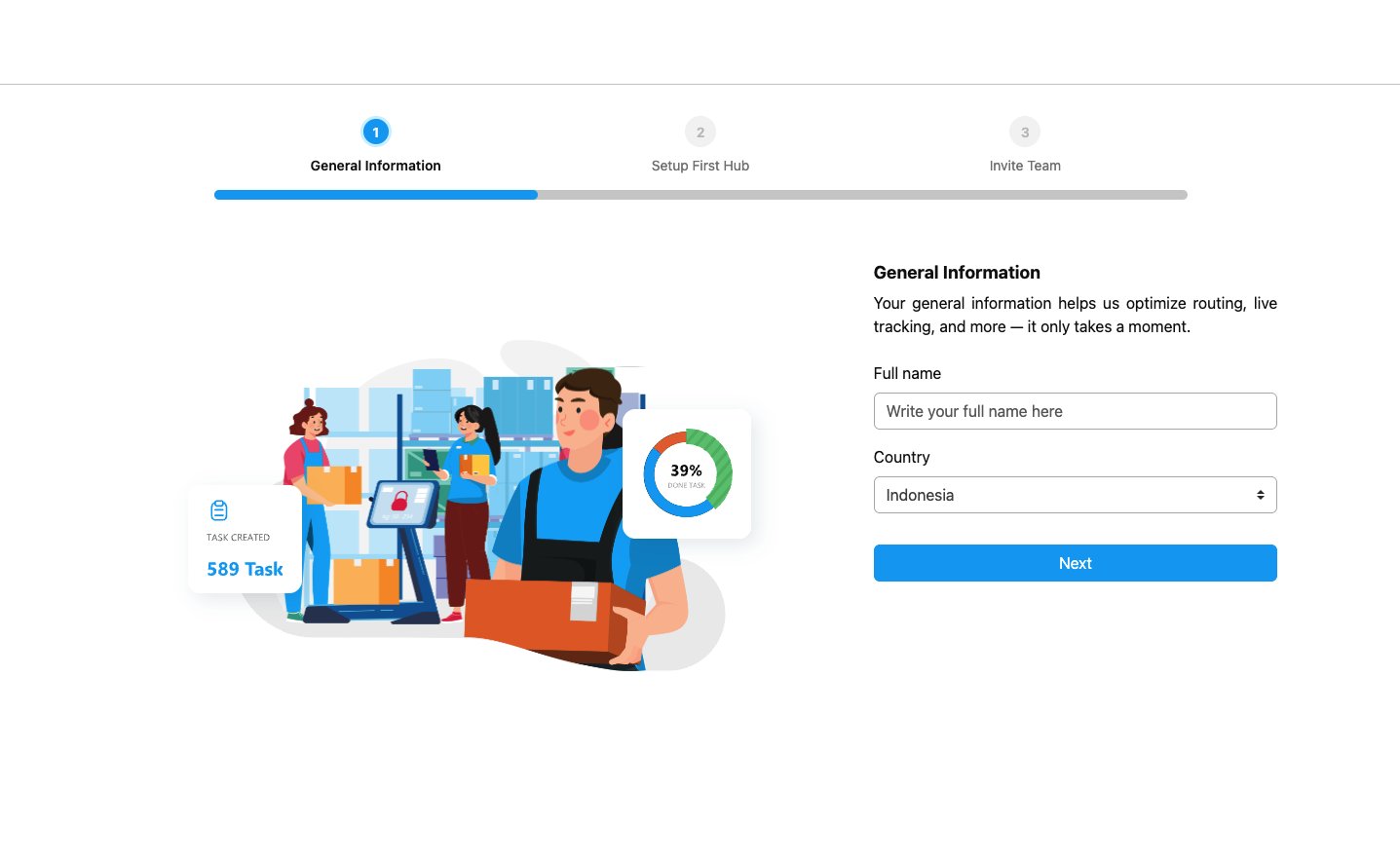
- Full Name: Enter your full name.
- Country: Select your country. If you choose Indonesia, the language will default to Indonesian upon sign-in; otherwise, it will be in English.
Step 2: Hub Setup
In the second step, set up your first hub. You can modify this later under Settings ➝ Hub.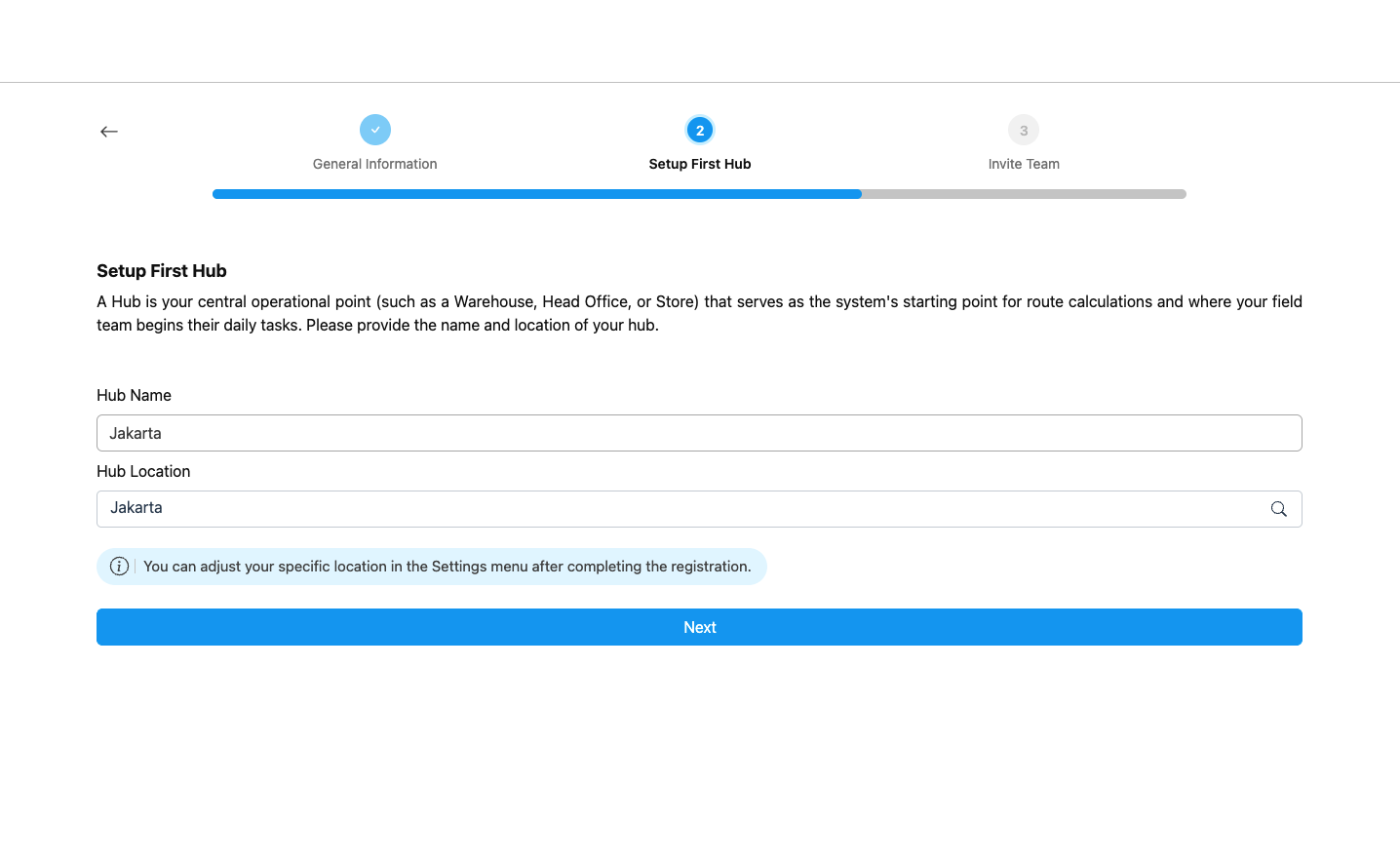
- Hub Name: Name your first hub, such as “Warehouse 1.”
- Hub Location: Search for your hub address and select it from the dropdown. You can adjust the specific location for more accuracy under Settings ➝ Hub after completing the verification.
Step 3: Invite Team (Optional)
In the third and final step, you can invite team members to join your organization. This step is optional and can be skipped if you prefer to add team members later.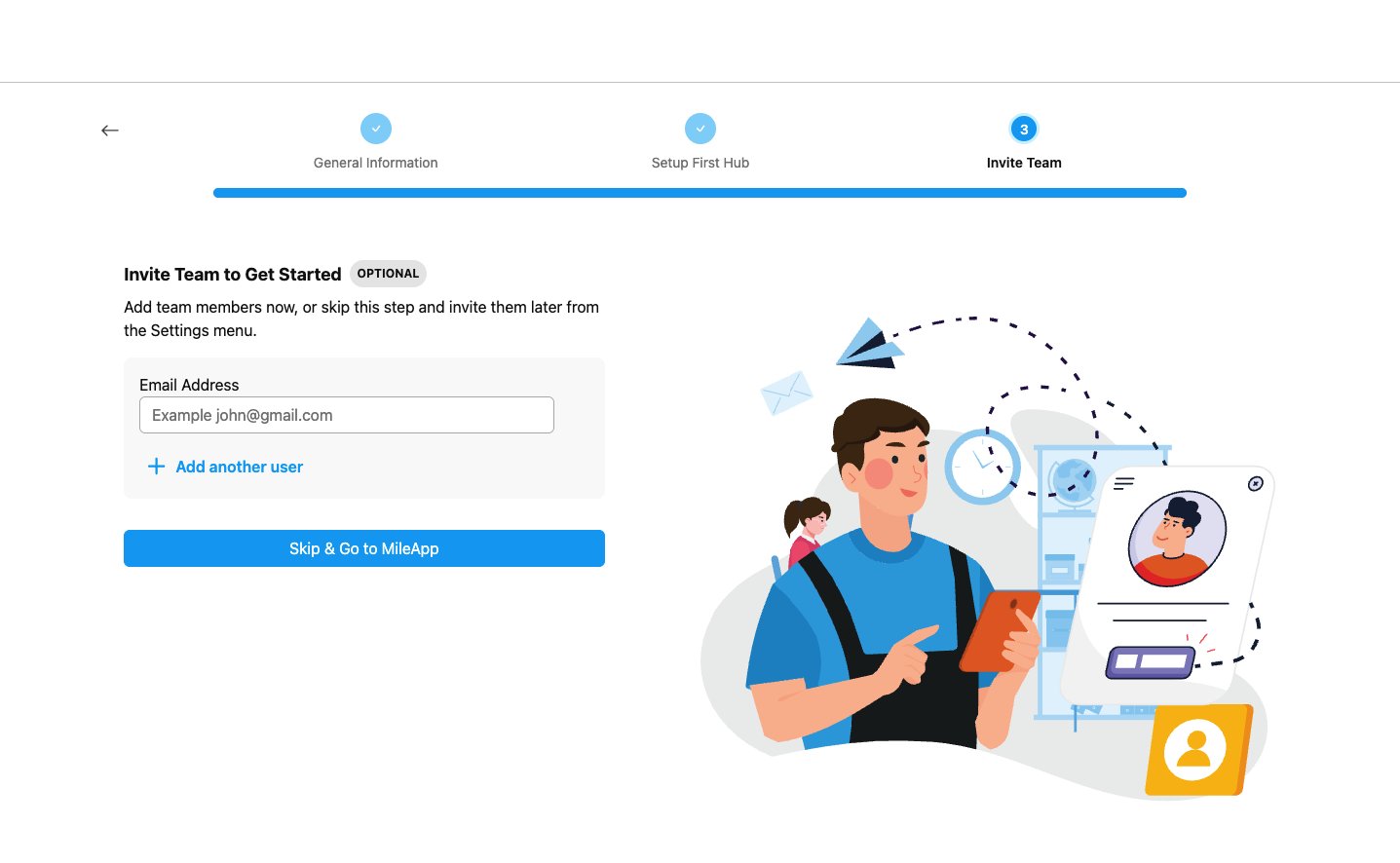
- Email: Enter the email address of the team member you want to invite. You can add up to 3 team members during the verification process.
- Invited members will receive an email with instructions to verify their account and set up their password.
- All invited team members will be assigned the Admin role by default.
- You can manage team members and their roles later under Settings ➝ User Management.