Start Icon and Information
The Start (S) icon on the map is a clickable icon that will show you the information about the Start Time of the user.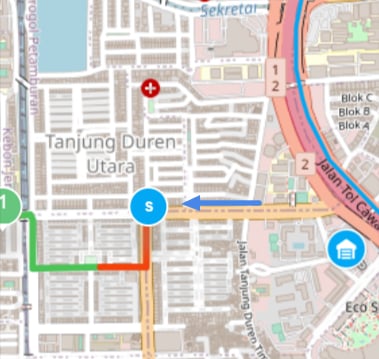
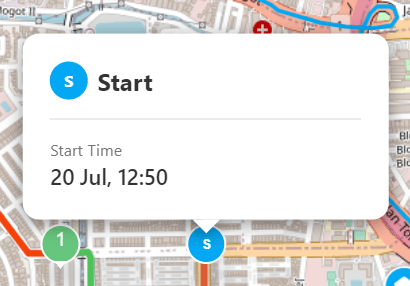
- The Start Time is the time when the user clicks the Start button on the mobile app.
Finish Icon and Information
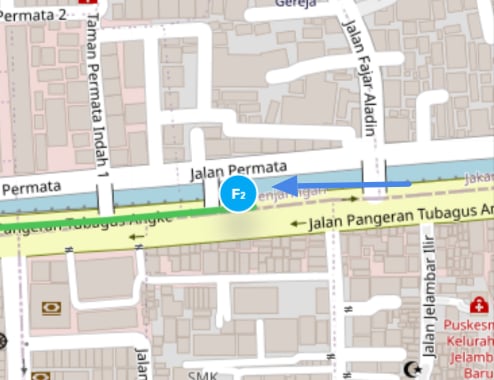
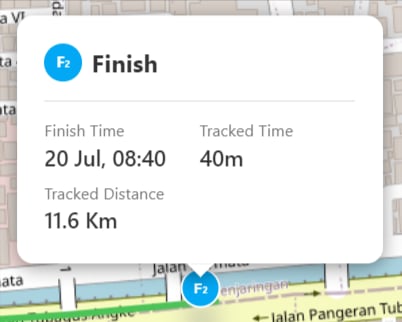
The Finish (F) icon on the map is a clickable icon that will show you the information about the Finish Time, Tracked Time, and Tracked Distance of the user.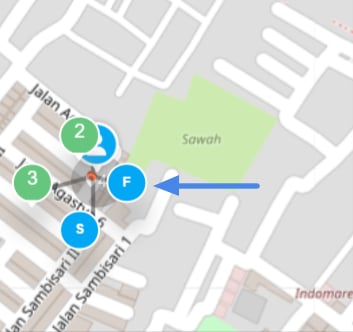
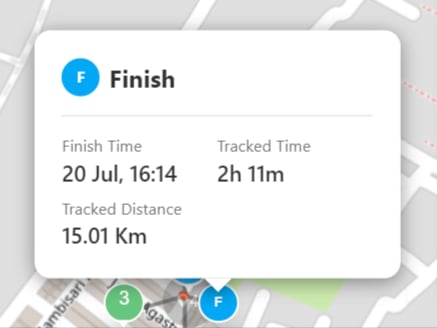
- The Finish Time is the time when the user clicks the Finish button on the mobile app.
- The Tracked Time is the total time since the user Start until the click the Finish button on the mobile app.
- The Tracked Distance is the total distance time since the user Start until the click the Finish button on the mobile app.
Multiple Start and Finish Session
If there’s more than 1 Start Finish session in a day, The Start Finish icon and information card will have a number on it to show the connection between each Start Finish in each session. For example, if there are 3 Start Finish sessions in a day, the first session Start Finish will have number 1 on the icon, the next session will have number 2 on the icon, and so on.