

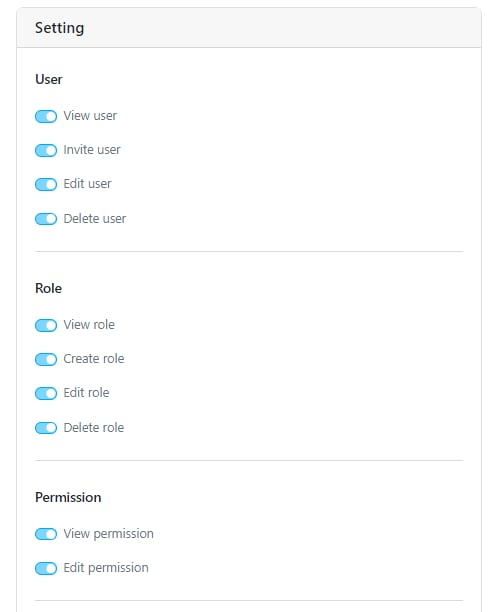
User
The User permission allows you to manage user data within the organization. This menu can be filtered by hub.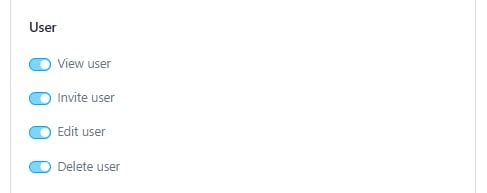
- View User: Allows you to view the list of users currently registered in the organization.
- Invite User: Enables you to invite new users. Ensure the View User and View Role permissions are also active.
- Edit User: Allows you to edit user data such as Name, Phone Number, Team, and Hub.
- Delete User: Allows you to delete a user.
Role
The Role permission allows you to manage custom roles within the Permission Menu.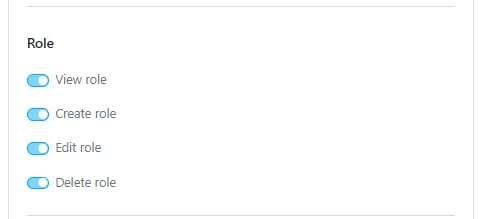
- View Role: Allows you to view the roles.
- Create Role: Allows you to create new roles.
- Edit Role: Allows you to edit existing roles.
- Delete Role: Allows you to delete roles. Learn more here about Role and Permission menu.
Permission
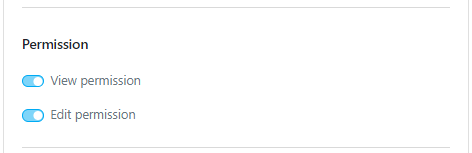
- View Permission: Allows you to access the Setting/Permission menu and see its contents.
- Edit Permission: Allows you to update permissions for custom roles. Learn more here about Role and Permission menu.
Hub
The Hub permission allows you to manage hubs within the organization.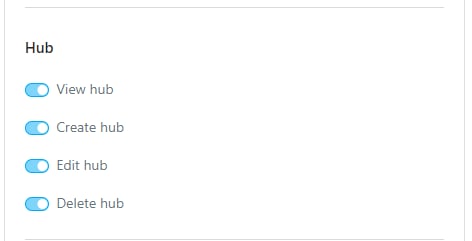
- View Hub: Allows you to view hubs.
- Create Hub: Allows you to create new hubs.
- Edit Hub: Allows you to edit existing hubs.
- Delete Hub: Allows you to delete hubs. Learn more here about Hub menu.
Flow
The Flow permission allows you to manage the task flows within the organization.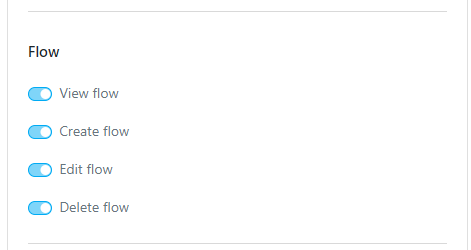
- View Flow: Allows you to view flows.
- Create Flow: Allows you to create new flows.
- Edit Flow: Allows you to edit existing flows.
- Delete Flow: Allows you to delete flows.
Organization
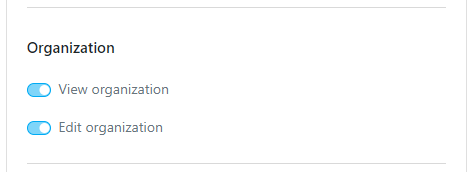
- View Organization: Allows you to access the Setting/Organization menu.
- Edit Organization: Allows you to make updates to the organization data, such as the Organization Name. Learn more here about Organization menu.
Automation
The Automation permission allows you to manage automations within the organization.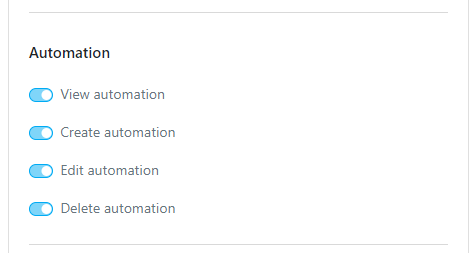
- View Automation: Allows you to access the Flow/Automation menu.
- Create Automation: Allows you to create new automations.
- Edit Automation: Allows you to edit existing automations.
- Delete Automation: Allows you to delete automations. Learn more here about Automation menu.
Data
The Data permission allows you to manage data sources within the organization.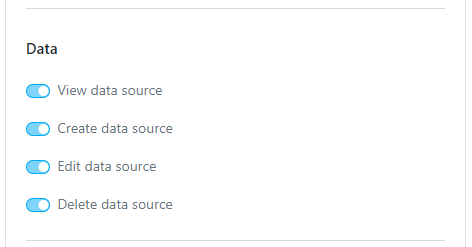
- View Data Source: Allows you to access the Data Source menu.
- Create Data Source: Allows you to create new data sources.
- Edit Data Source: Allows you to edit existing data sources.
- Delete Data Source: Allows you to delete data sources. Learn more here about Data Source menu.
Data Type
The Data Type permission allows you to manage data types within the organization.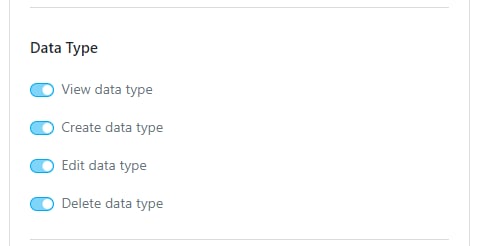
- View Data Type: Allows you to access the Data Source/Data Type menu.
- Create Data Type: Allows you to create new data types.
- Edit Data Type: Allows you to edit existing data types.
- Delete Data Type: Allows you to delete data types. Learn more here about Data Type menu.
Team
The Team permission allows you to manage teams within the organization.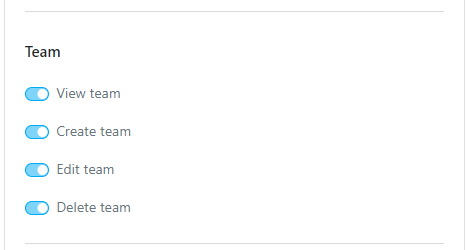
- View Team: Allows you to access the Team menu.
- Create Team: Allows you to create new teams.
- Edit Team: Allows you to edit existing teams.
- Delete Team: Allows you to delete teams. Learn more here about Team menu.
Trash
The Trash menu has only one permission: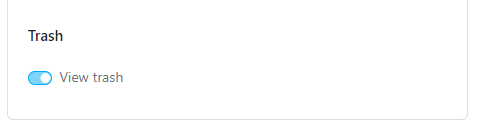
- View Trash: Allows you to access the Setting/Trash menu. Learn more here about Trash menu.