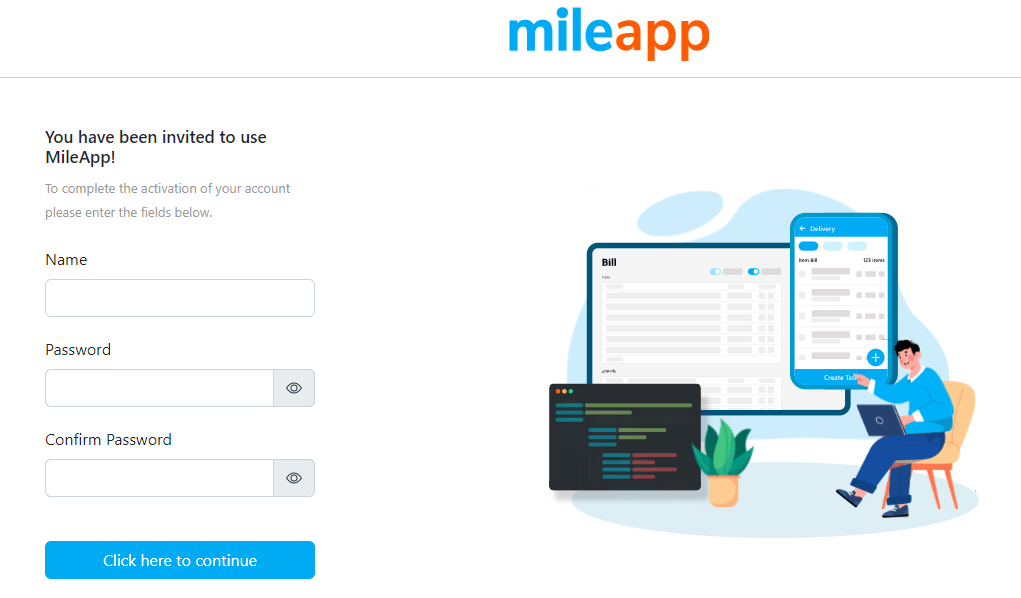
- Check inbox email: Open the email inbox associated with the provided email address.
- Find the activation email: Look for an email from your system containing the activation link. It should have a subject related to account verification.
- Click on the activation link: Click on the activation link within the email. This will redirect the user to a verification page.
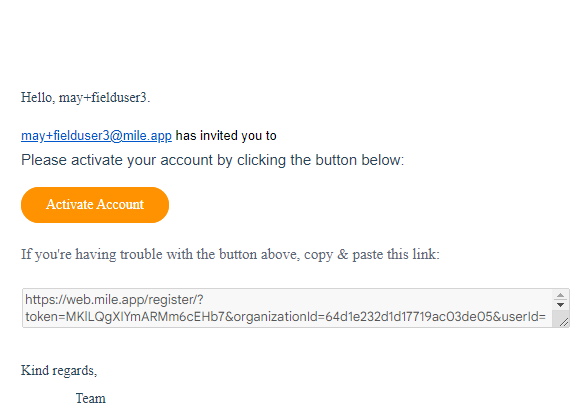
- Set a name and password: On the verification page, the user will be prompted to set a name and password for their account. They should create a secure password and confirm it.
- Click “Click here to continue” to complete the verification process.