The Data Export feature is a menu that displays the process of exporting requested task data, including Trip Activity data such as start/end trip times, coordinates, distance (km), and duration (minutes). The export task data will be available for download if the status is “Available”, if the export status is not yet “Available”, then you cannot download it.Documentation Index
Fetch the complete documentation index at: https://docs.mileapp.dev/llms.txt
Use this file to discover all available pages before exploring further.
Required permission:
- Export Task
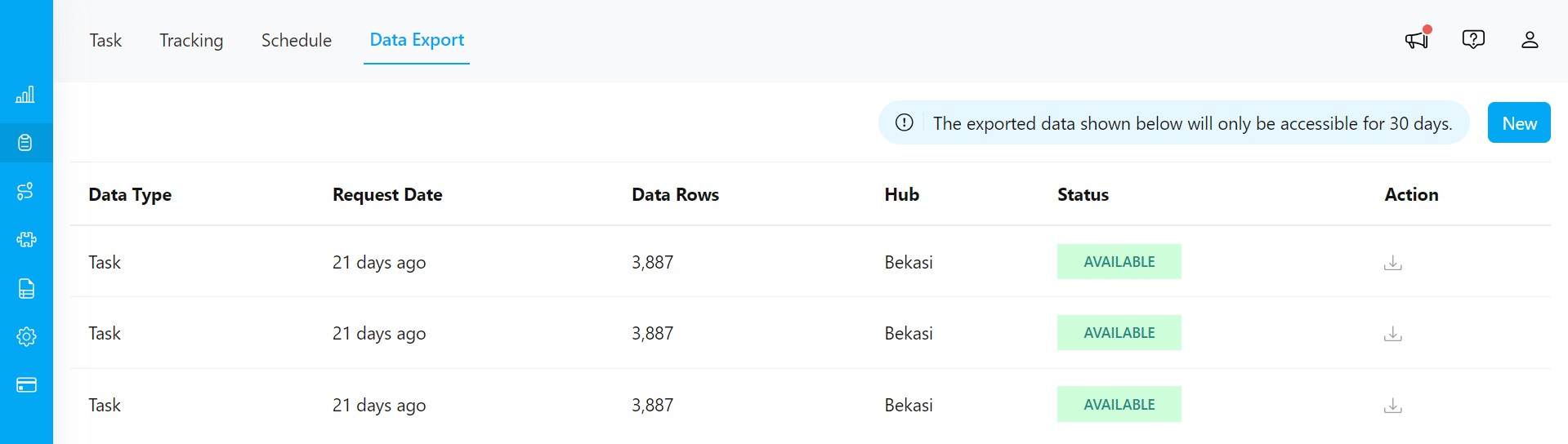
- If you want to view the export status or download the exported task data, first initiate the export task process. Learn more details Export Task.
- You can also perform task exports directly from the Data Export menu with more comprehensive options. Learn more details Export with Advance option.