View Schedule
Required permission:
- View schedule
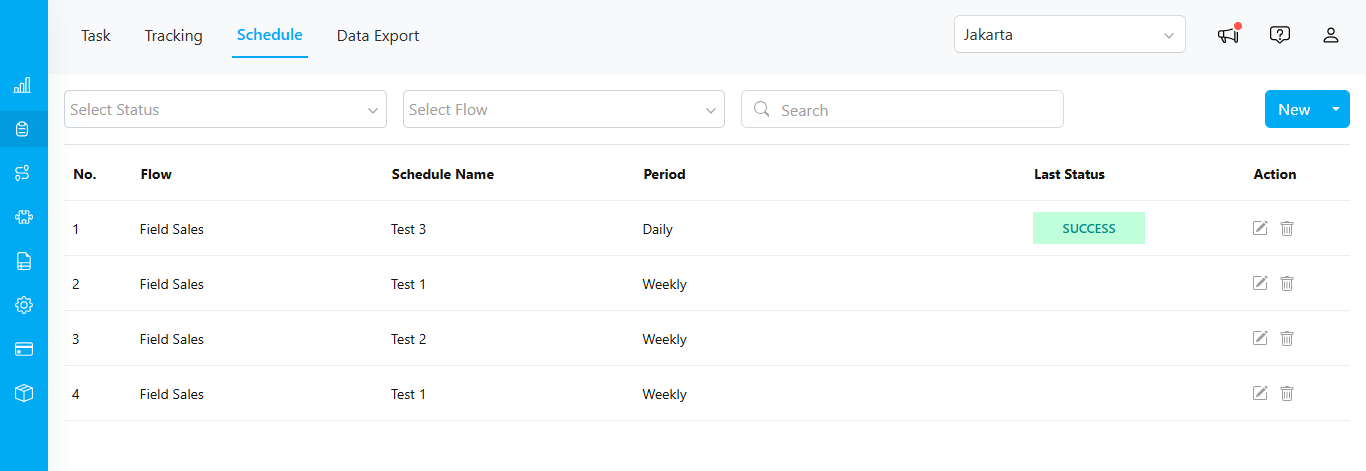
- Flow: Displays the task flow name.
- Schedule Name: Shows the name of the schedule.
- Period: Indicates the schedule cycle, such as “Daily.”
- Last Status: Shows the status of the last run. If the status is “SUCCESS,” you can hover over it to see the complete date and time in a tooltip.

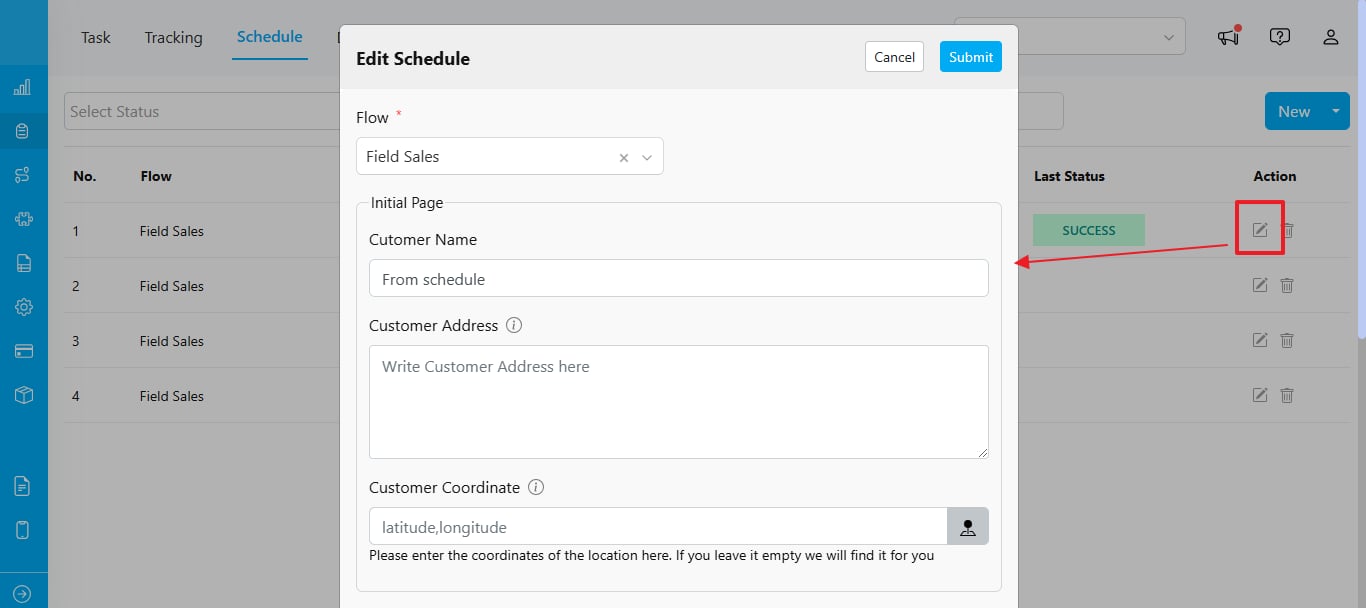
Edit
Required permission:
- View schedule
- Edit schedule
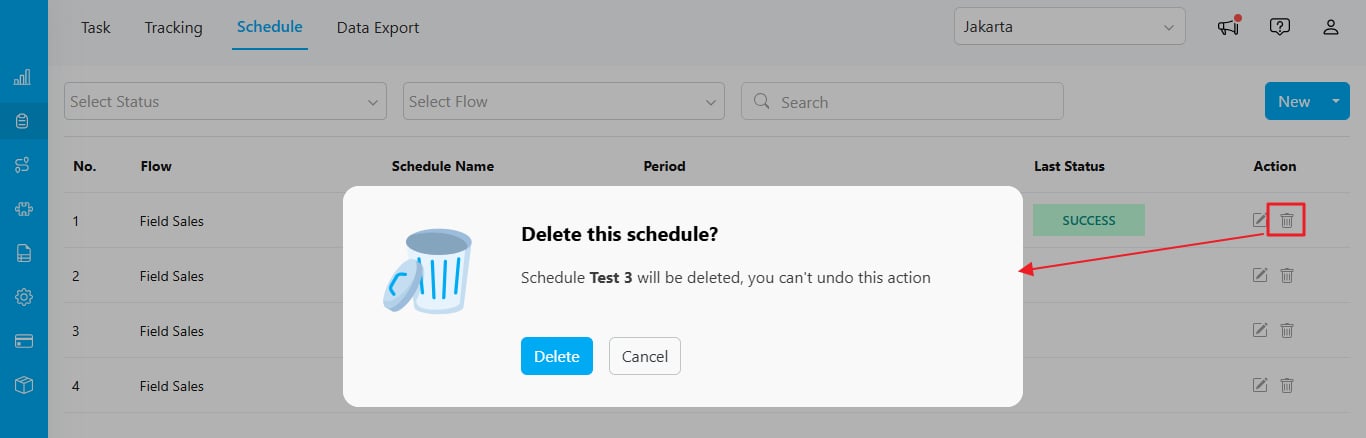
Delete
Required permission:
- View schedule
- Delete schedule