Documentation Index

Fetch the complete documentation index at: https://docs.mileapp.dev/llms.txt

Use this file to discover all available pages before exploring further.

Required permission:
  • Export Task
  • View custom export
To check the order of columns in the exported file or view the details of an existing Custom Export, follow these steps:
Custom Export Display
Steps to View Custom Export Details:
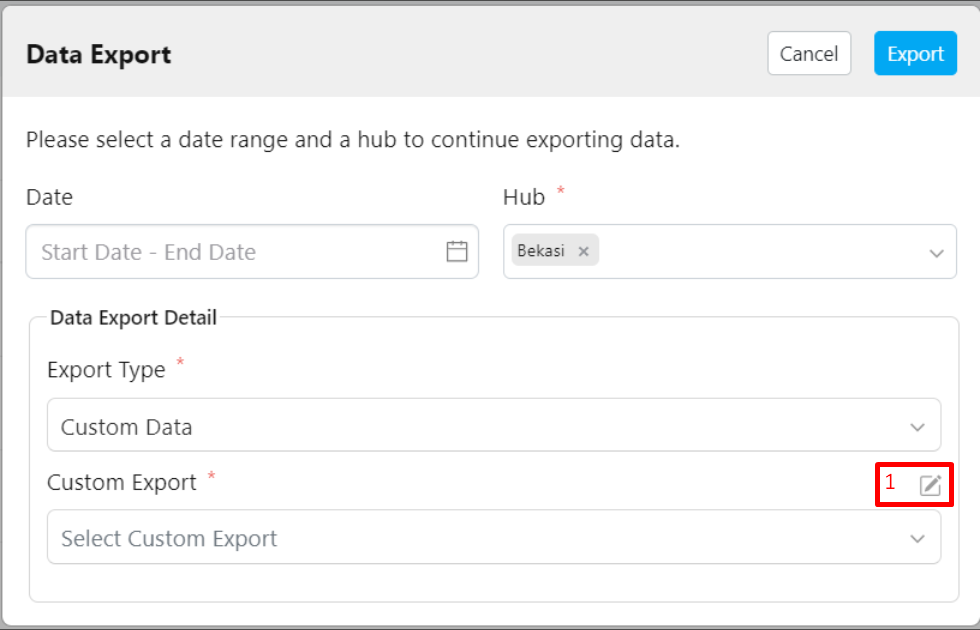
  1. Click the pencil icon (Custom Export Manager) located next to the Custom Export field.
  2. After clicking the pencil icon, the following view will appear.
  3. Click the eye icon in the Custom Export Manager to view the details.
  4. The details of your Custom Export, including the fields, will be displayed.
In the Custom Export Details view, you can see the order and the fields that will appear in the exported file.