

The Setup Wizard checks for two platform permissions: View flows and View tasks. Make sure your role has these before starting.
Starting the Setup Wizard
When you open PDF Generator for the first time, the Setup Wizard launches automatically. If the add-on was previously configured and the configuration was deleted, the wizard will reappear.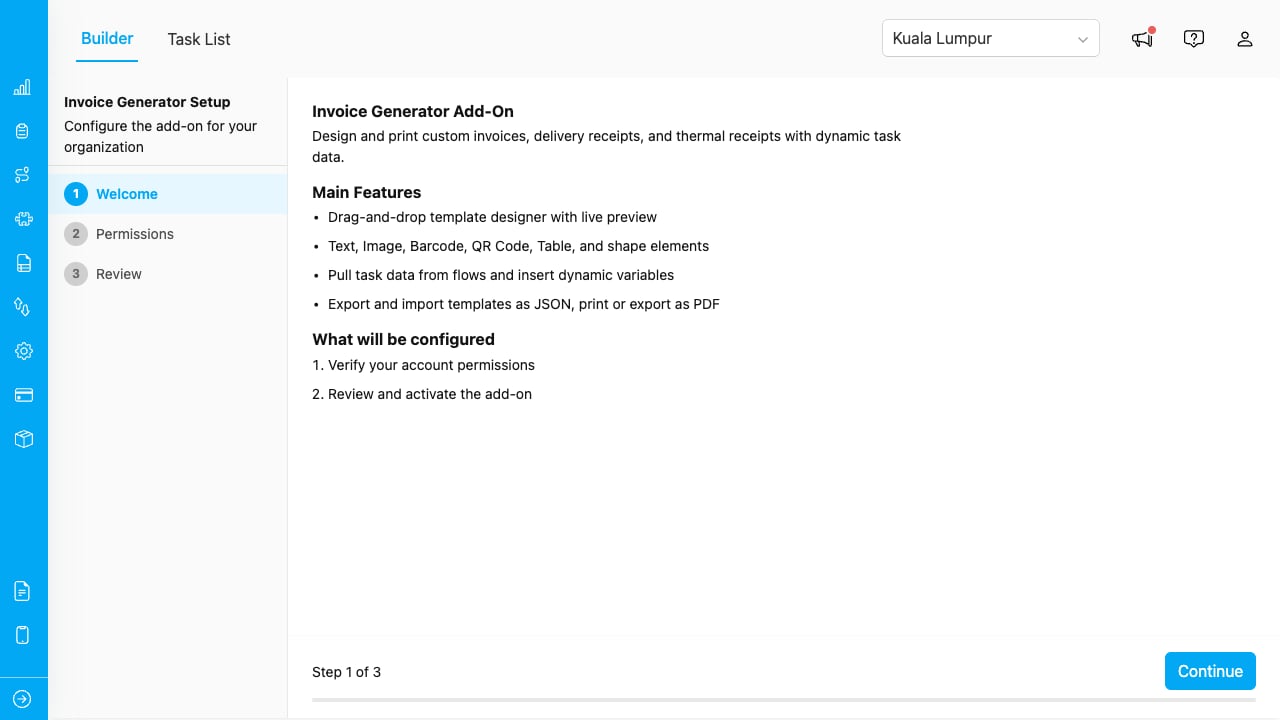
The Setup Wizard welcome screen.
Step 1: Welcome
The first screen introduces the add-on and what it does:- Design PDF templates with a drag-and-drop builder.
- Bind elements to task data for dynamic documents.
- Print or export documents from the Task List.
- Support for multi-page layouts, watermarks, and conditional elements.
Step 2: Verify Permissions
The wizard checks that your account has the required platform permissions.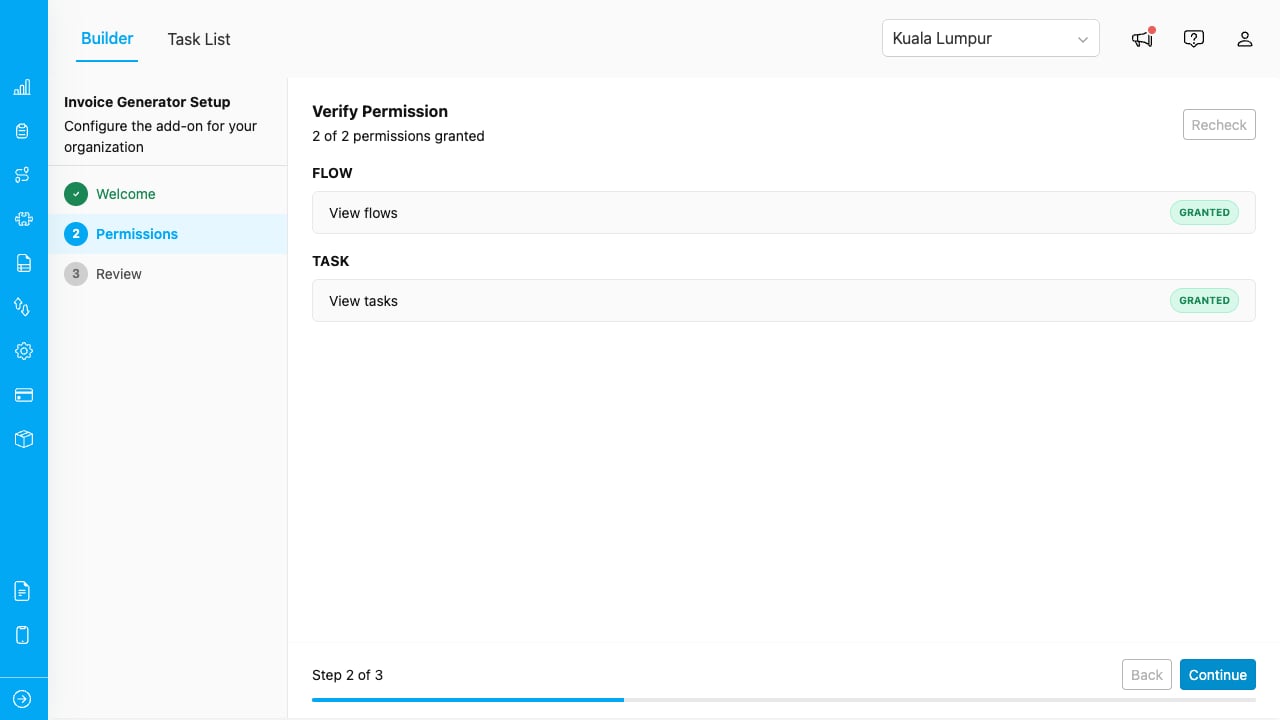
The wizard verifies your account has the required permissions.
If any permission is missing, contact your organization administrator to update your role. Once all permissions show a green checkmark, click Next.
Step 3: Review and Activate
Review the configuration summary, then click Activate to complete the setup.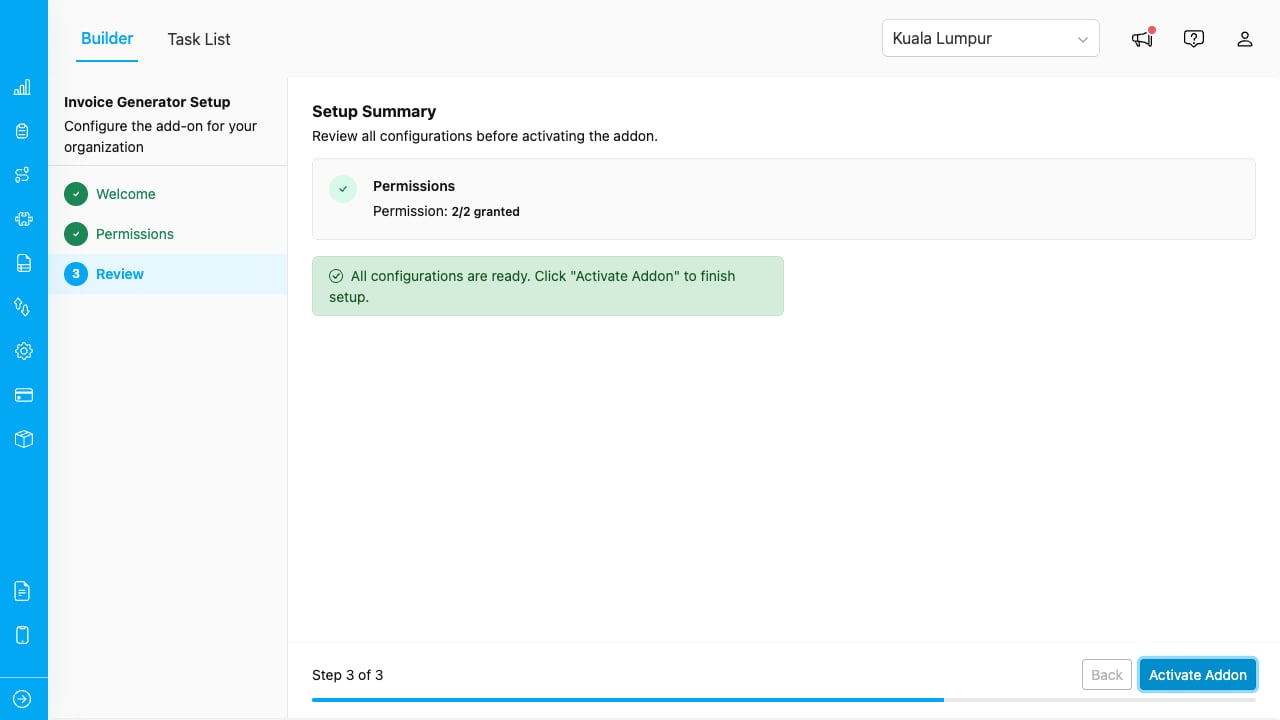
Review and activate the add-on.
After activation, the builder opens and you can start designing templates immediately.Page-Level Permissions
The add-on creates two page-level permissions that control access to its tabs:
Assign these permissions to roles via Settings > Roles. Users without the required permission see an access-denied message.
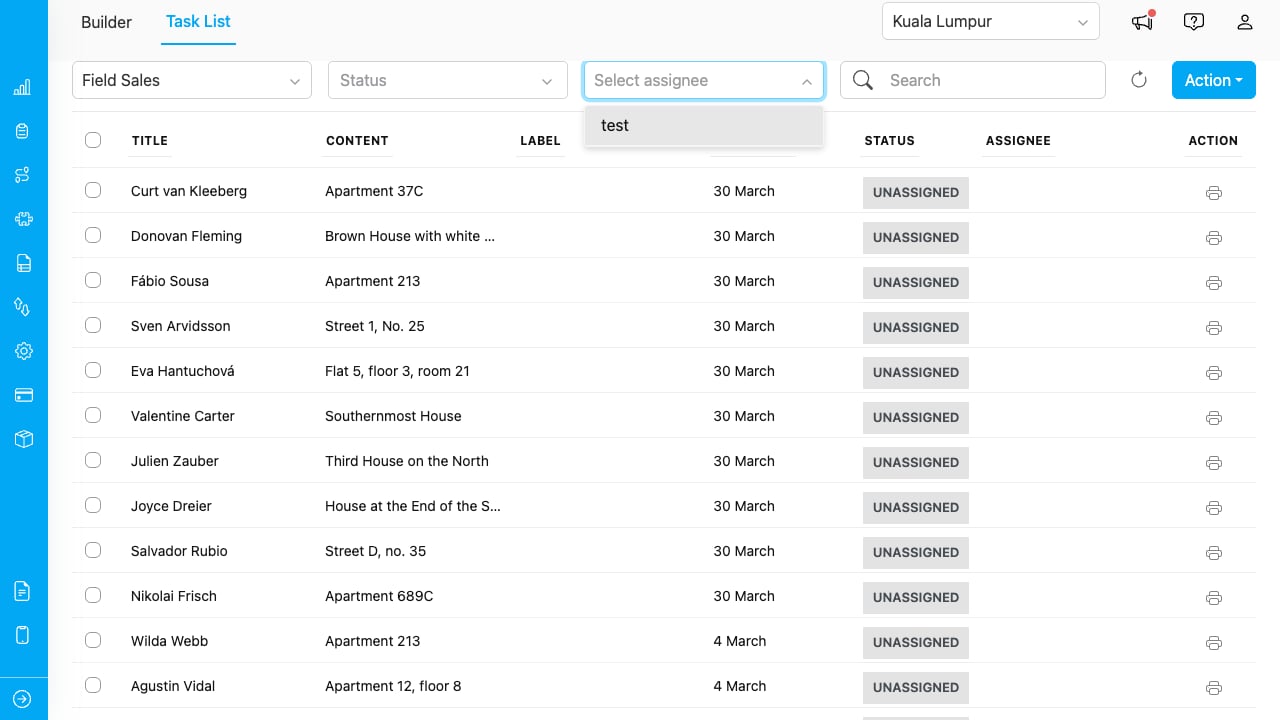
Users without permission see this message.
Deleting Configuration
To reset the add-on and re-run the Setup Wizard:- In the Builder, click the gear icon (⚙) in the toolbar.
- Select Delete Configuration.
- Confirm the deletion.