

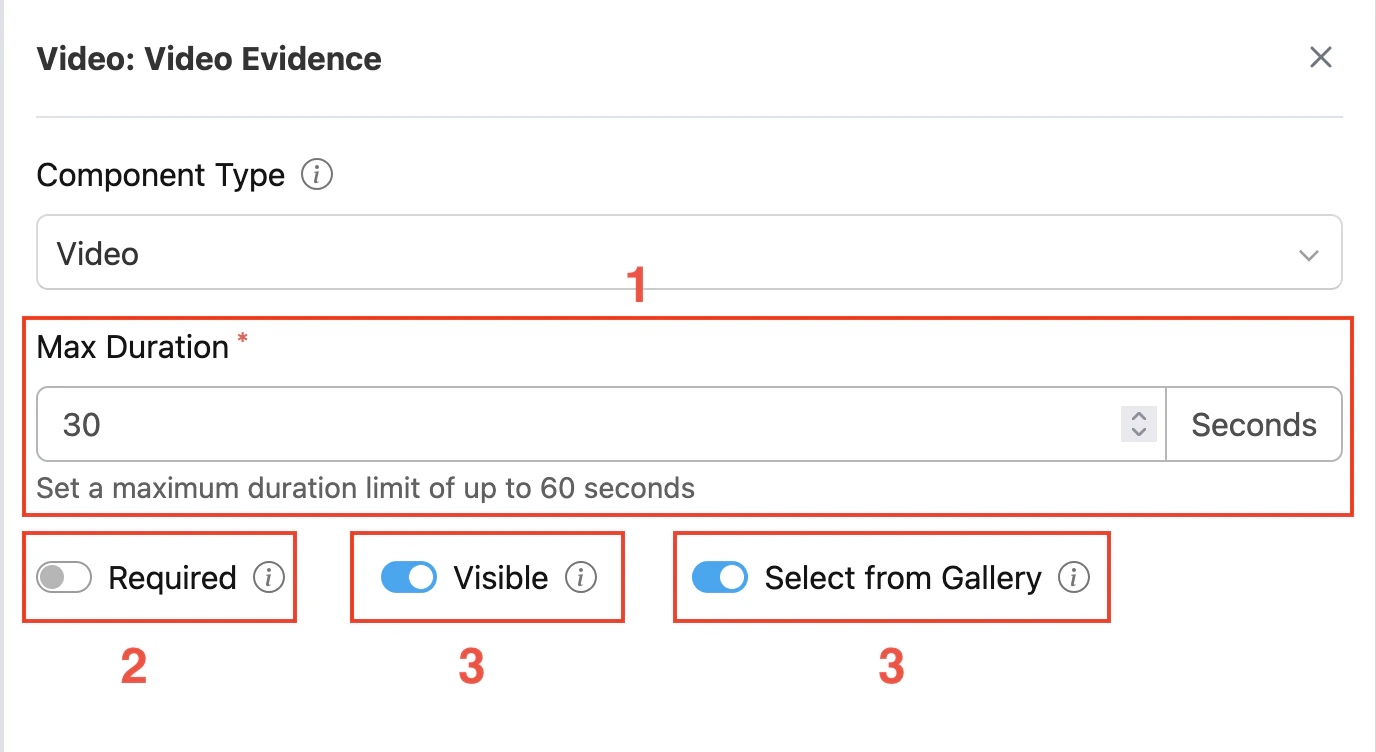
Component video settings
- Max Duration: This setting allows you to set the maximum recording time in seconds (1–60 seconds).
- Toggle Required: This option makes the video component mandatory. If not filled, users cannot proceed to other activities.
- Toggle Visible: This setting affects the visibility of the component during task creation on the web and mobile, as well as task viewing on the mobile app. If the component is not visible, it will not be shown in the UI. However, both visible and hidden component data will be exported, regardless of their visibility status.
- Toggle Select from Gallery: This option allows users to select a video from their device gallery instead of recording a new one. Enabled by default.