Filter by Date
By default when you enter the Tracking page, you will be shown today’s tracking history from your current Hub, and the Tracking page will only show the tracking history in a single day. But, if you wish to see the tracking history from a specific date, you could choose the date from the Date filter.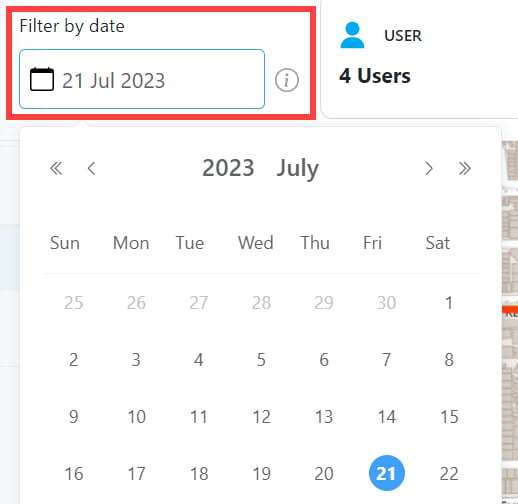
See History of All Active User
By default when you enter the Tracking page, you will be shown today’s all active users from your current Hub. This active user is the user that has an Ongoing or Done task on that date. If you wish to see the All Active Users tracking history, you could click on the “Active” header.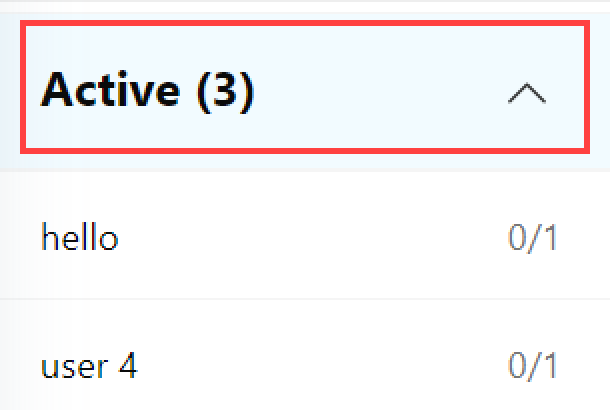
Specific History of an Active User
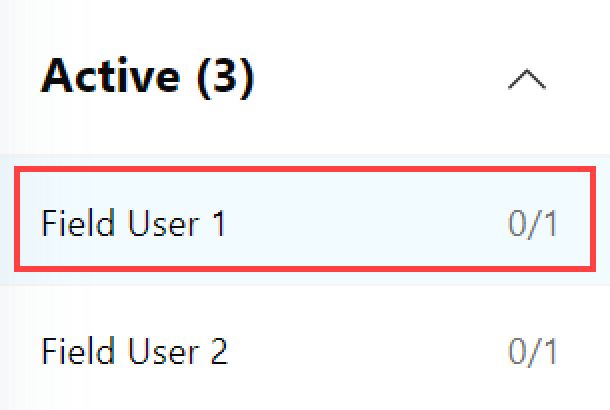
To see the detailed tracking history of a user you should click on their name in the Active user’s list.